How to use the feature
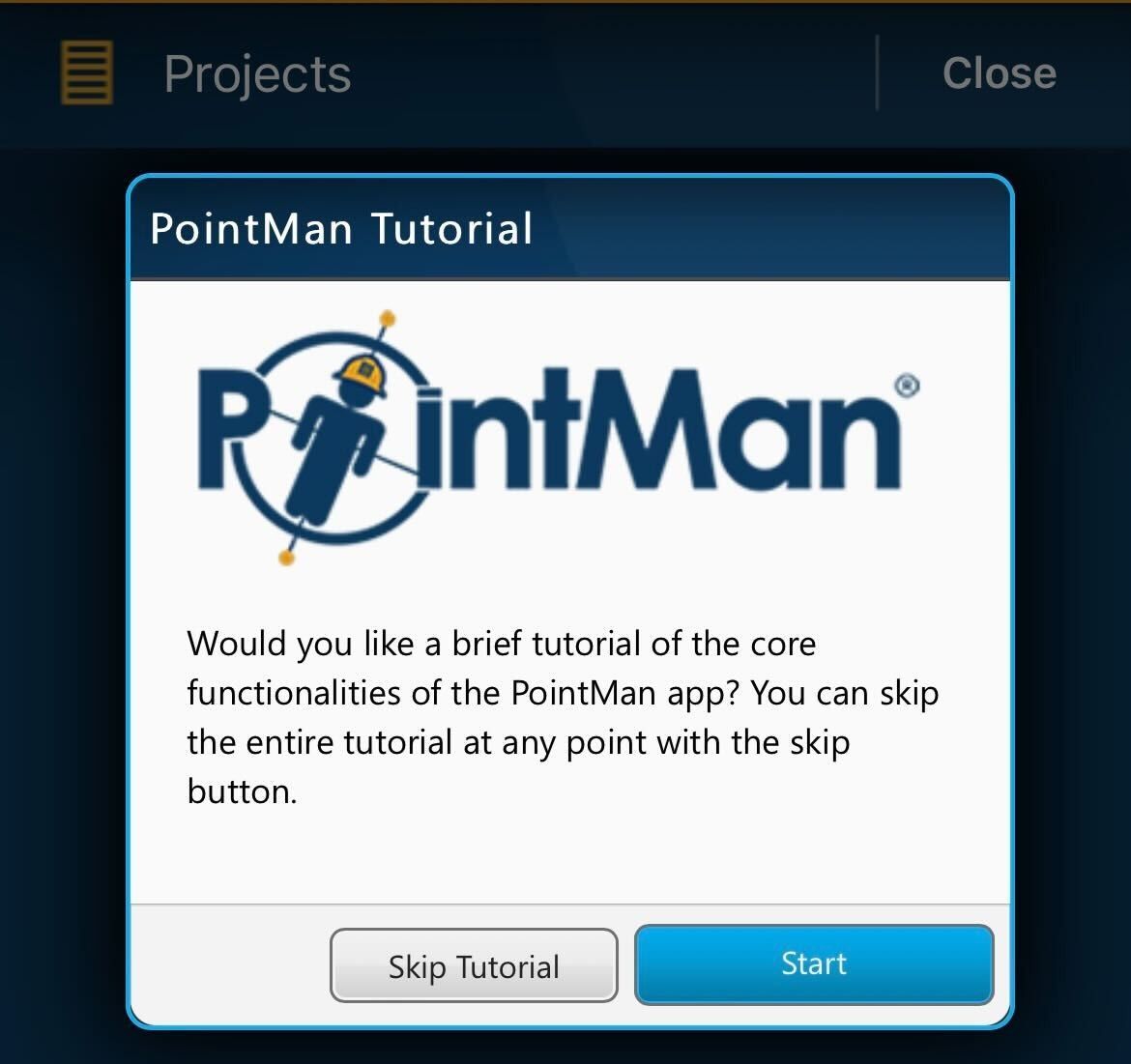
- This feature is delivered to users when they first use the PointMan app.
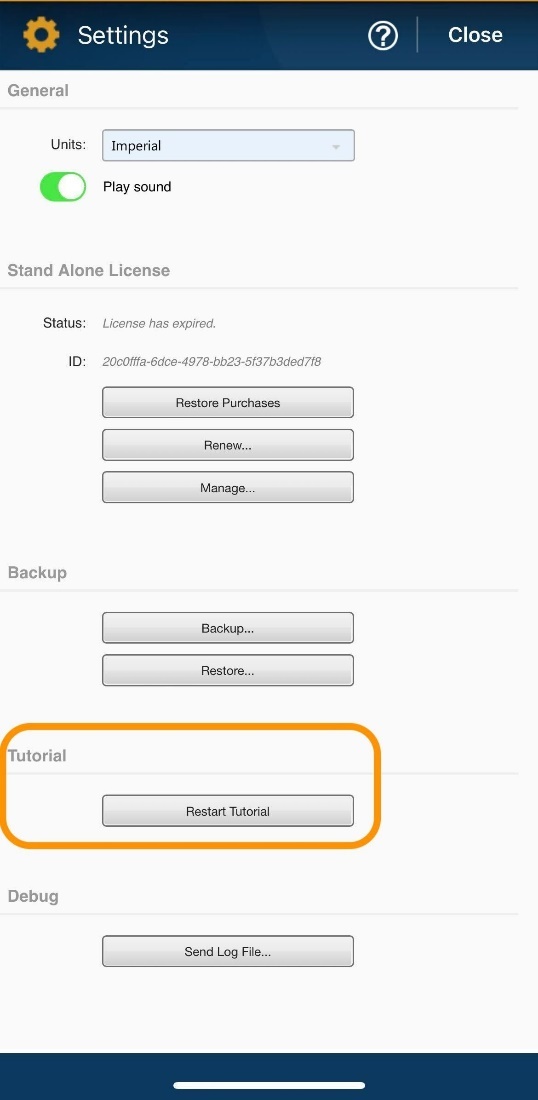
- If you would like to go through it again, go to the settings and tap Restart Tutorial.
About the feature
-
Creating a Project talks about how you can create a new project in the app.
-
Side Panel talks about how to open and use the Side Menu Panel.
-
GPS Button talks about how you can direct and zoom into your current location with the Zoom button.
-
Layer Panel talks about how you can use the layer panel to change map styles, and show/hide different layers.
-
Collecting Data talks about how you could collect points, lines and polygons.
-
Advanced Pedigree talks about how to see the pedigree accuracy and so forth, while collecting your data.
-
Selection Dialog talks about how to select the feature on the map.
-
Sending Feature Data talks about the Send button that will export the features.
-
Folder (Drop Tools) talks about the Folder button that will display the folder structure of the selected feature.
-
Feature Pedigree talks about the Pedigree button that will display the pedigree of the selected feature.
-
Move a Feature talks about the Move button that let you move a collected feature.
-
Meta Details of Features talks about the Details button that will display the feature’s details.